
P210
Software Defined Radio (SDR)
This page is based upon the Welcome to Amateur Radio book and other sources
Before the 2000’s receivers and transmitters were fixed hardware items. You purchased them from the store, placed them on a desk, pressed the power button and then you had a radio ready to go, with its functionality and every knob and button pre-determined by the manufacturer. Software Defined Radio (SDR) changed this dynamic. An SDR device became a generic transmitter or receiver block with no external controls. The block communicates with a computer and the software on the computer determines where the device transmits, where it receives and all control functions appear on a screen.
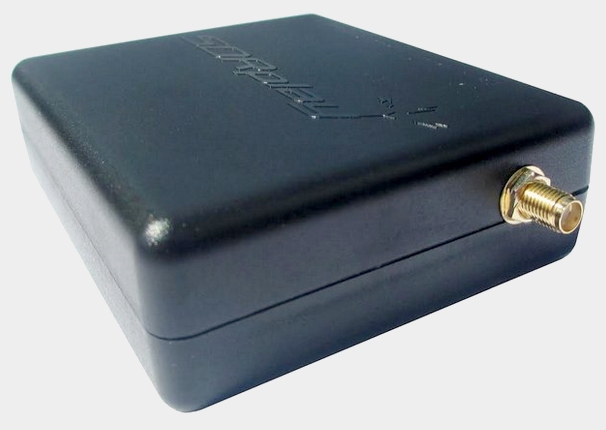
An SDR receiver has no external controls
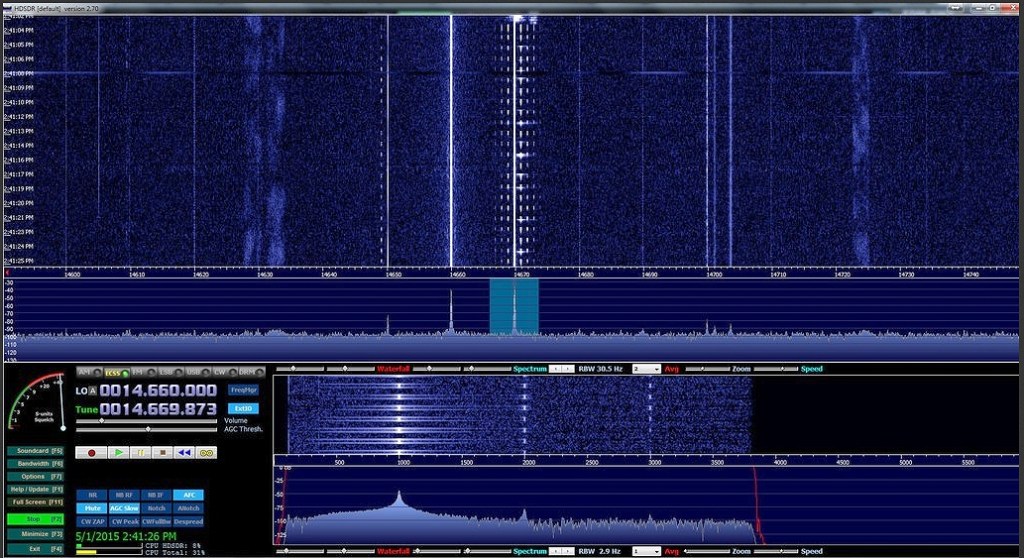
This has revolutionised radio controls because the operator can personalise what they want to see and how they use the device. It can provide colourful and expressive waterfall displays of the radio spectrum on a screen that can be touch operated. It also allows the operator to link to the SDR device via the internet, so that the site of antenna transmitter and receiver can be at a completely different location from where the operator is located.
SDR technology has been incorporated into “traditional” transceivers technology. Perhaps the most well known and popular “conventional” looking SDR radio is the Icom IC-7300.
Entry level SDRs represent very good value for money and open a whole new world of operational capability and functionality.
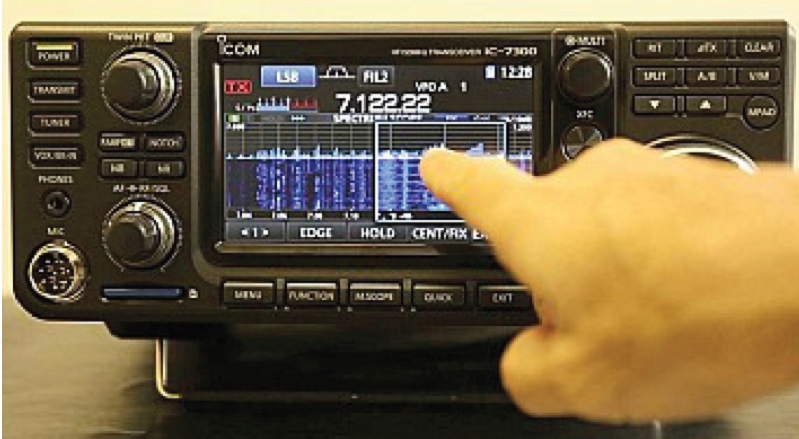
The IC-7300 with touch screen controls
The benefits of Software Defined Radios
Software Upgrades
Being a Software Defined Radio means that most of the functionality is written in code. The code is always under development; patches, new features and improvements to performance. Software also allows an incredible range of features and options.
Spectrum display
SDRs have a spectrum display. Spectrum displays allow the operator to view an entire band, or just an interesting segment of the band. This “window” is displayed on a computer screen or on an inbuilt screen on the radio.
With a Spectrum Display users can “see” radio signals, interference and noise up and down the band. The operator has a visual window into the radio spectrum.
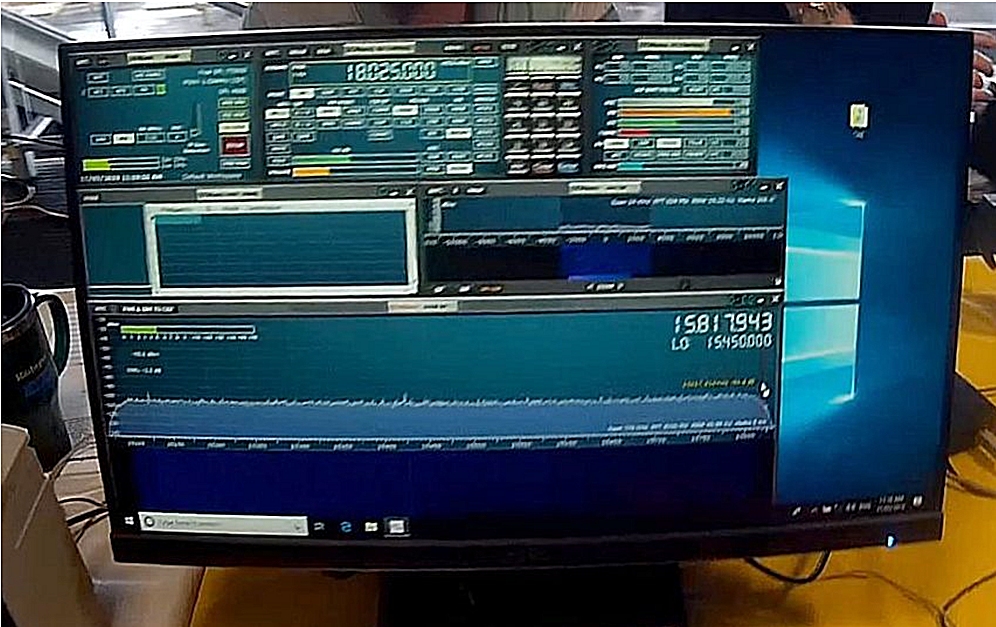
SDRs are feature rich
SDRs have an incredible selection of features and options. Receivers offer sophisticated DSP, noise blankers, pass band filters and specialised software to improve signal reception.
The screen can be configured to suit the user, the mode and the functions being used. Changing configuration settings is easier and individual settings can be tailored to suit the operator’s preferences.
Most SDRs will allow operators to operate digital modes without a separate computer. All that’s needed is the digital mode software; it will integrate seamlessly with any SDR radio.
Operators can very easily record a QSO, take a digital photo of your Spectrum Scope, use recorded messages to call CQ, hand out contest exchanges and see all settings at a glance.
Finally, most SDRs will allow remote operation. This is a fantastic feature for operators that travel a lot, or for those who would like to set up a station at a remote site, then operate from a home location that may not be electrically quiet or friendly for large antennas.
Multiple receivers
Traditional transceivers have one receiver. Operators may be able to switch between VFOs, but there is still only one receiver. Many SDRs provide multiple virtual receivers. This means DX stations can listen to both sides of a pileup at the same time, monitor more than one band at a time and very quickly switch between bands to monitor signals of interest.
Multi-recever SDR units are used to drive the Reverse Beacon Network (RBN) where multiple bands are being scanned simultaneously and results consolidated internationally.
(visit the RBN page P182 for more details:)
https://thisisamateurradio.com/p182-the-reverse-beacon-network/ )
SDRs offer a broad range of functionality and entry level models have become quite affordable in recent years.
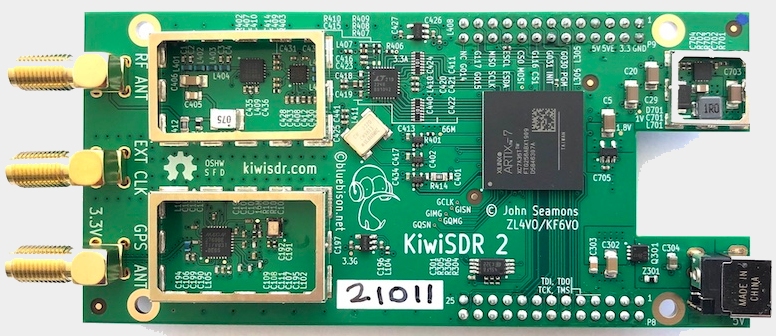
The KiwiSDR Receiver is versatile for experimenters
Popular examples of SDR radios include:
Traditional stand-alone SDR are available in popular models:
- ICOM IC-7300
- Yaesu FT-DX101D
- Elecraft K4
Examples of black boxes requiring a computer or screen:
- Flexradio (Full featured high end)
- SDR Play (great low cost receiver)
- Apache Labs Anan
Useful SDR Links
A review of SDR: a-review-of-software-defined-receiver/
A website dedicated to the KiwiSDR device: http://kiwisdr.com/
A You Tube introduction to SDR
 This Is Amateur Radio